Catalog the art you see .
arttō is a living record of your personal art experience. Designed for seamless cataloging and exploration of your favorite pieces at museums, gallery shows, or out in the world.
Three principles.
Organize how you want.
Group works by museum show, gallery visit, or biennale. Use the Individual Works bucket for one-offs.
Yours to keep.
Optional iCloud backup. Export your library as plain folders, readable outside the app.
Private by design
Wall-text transcription, similarity matching, and library cleanup all run on-device. Your catalog never leaves your phone.
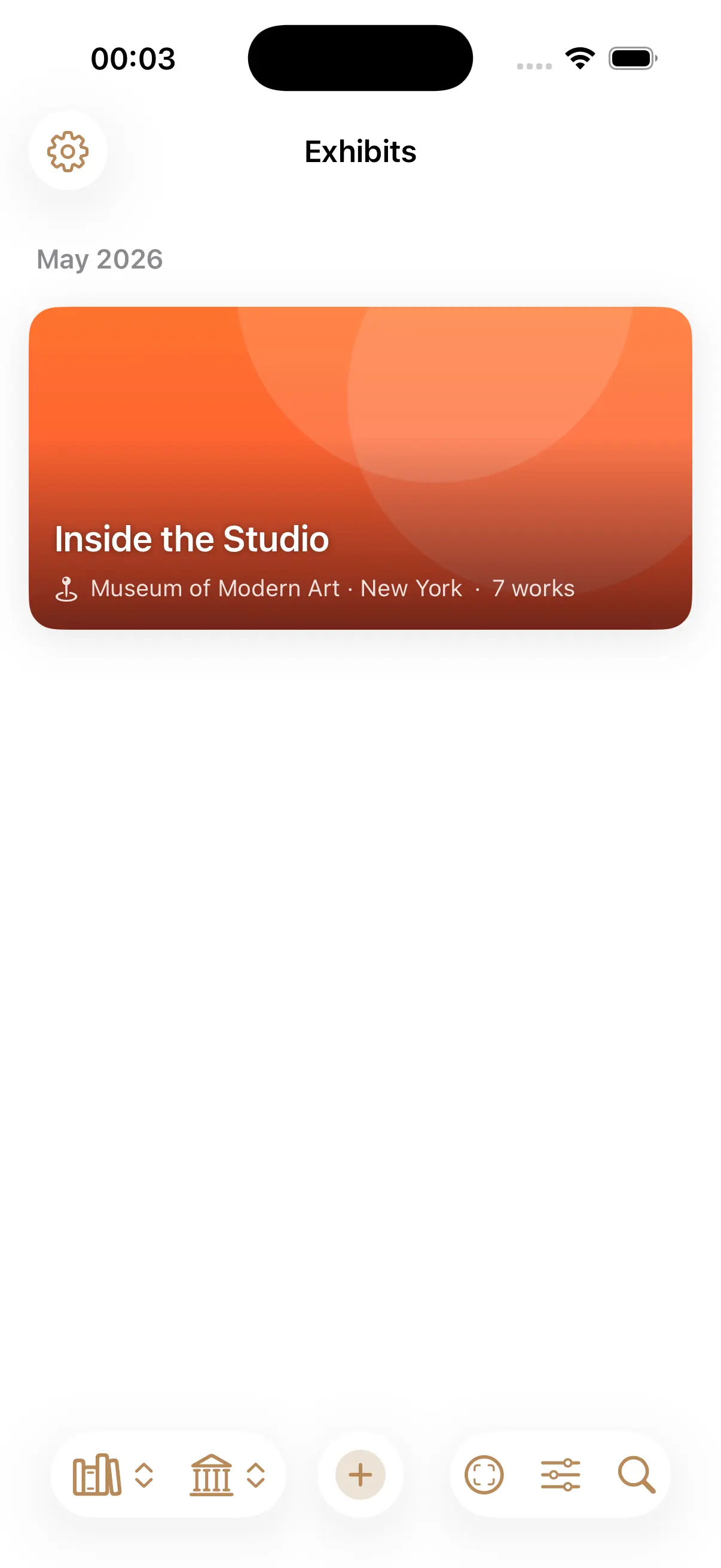
Organize by exhibit, not by photo roll.
Artworks live inside exhibits — one per museum show, gallery visit, or biennale. Use the Individual Works group for one-offs.
- Venue search syncs with Maps.
- Autofill show details from a photo of the wall text or brochure.
- Floating + button starts a new exhibit in two taps.
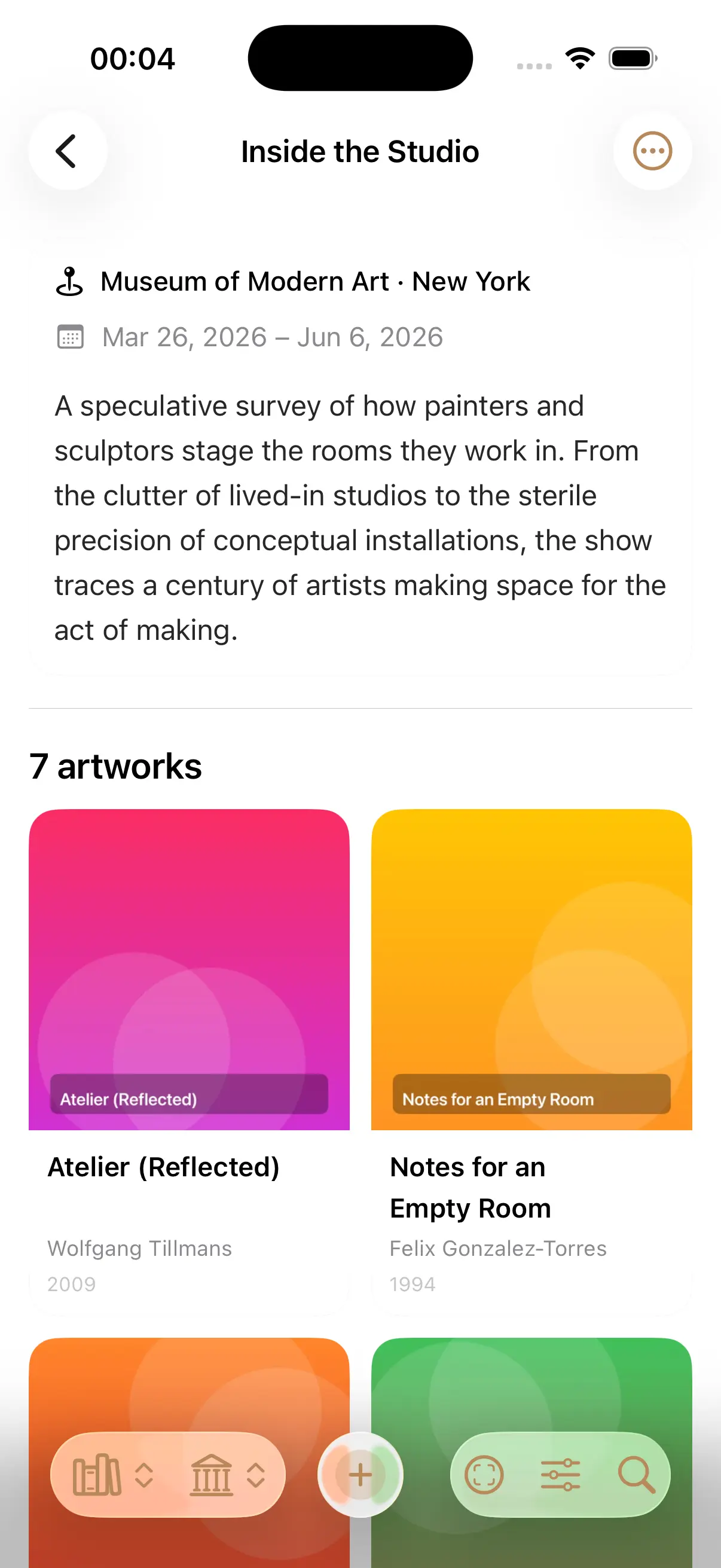
One page per show.
Dates, location, museum description, and every artwork you captured — laid out as a sortable grid. Search inside a show. Bulk-edit in selection mode.
- Sort by recency, title, year, or artist.
- Search inside an exhibit.
- Bulk-edit, move, or delete works.
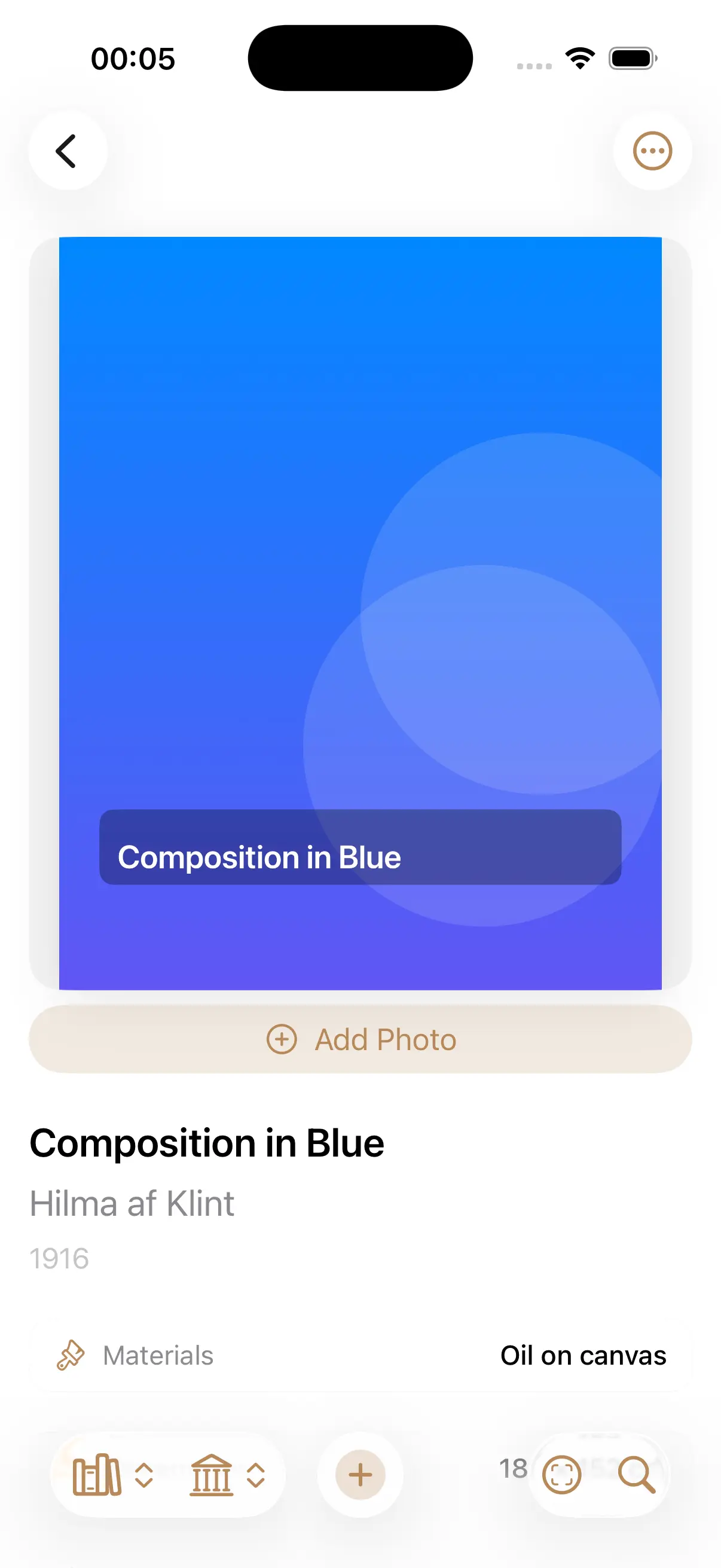
Every piece, fully described.
Title, artist, year, materials, dimensions, museum description, and the venue on a map. Add detail shots, plaque photos, your own notes — all attached to the piece.
- Multiple photos: primary image, plaque, detail shots.
- Edit any field; non-destructive photo edits.
- One-tap link back to the exhibit.
Two capture modes.
Wall-text mode: photograph the artwork and the wall text; on-device AI parses title, artist, year, and medium. Checklist mode: upload the show checklist once, and every photo you take matches against it.
- Vision OCR for plaque text — no network.
- On-device LLM extracts relevant info from any wall text plaque or work description.
- Auto-match captured photos to checklist thumbnails.
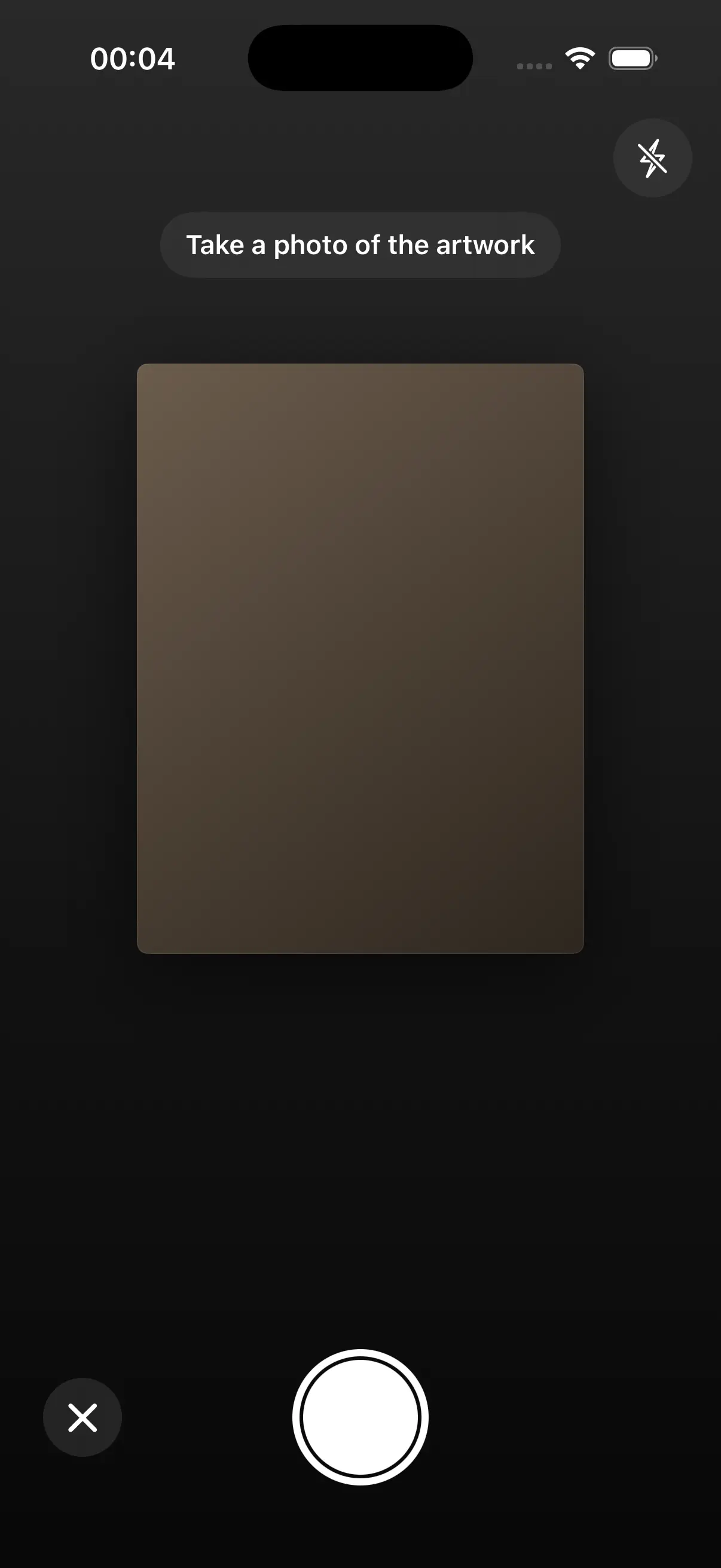
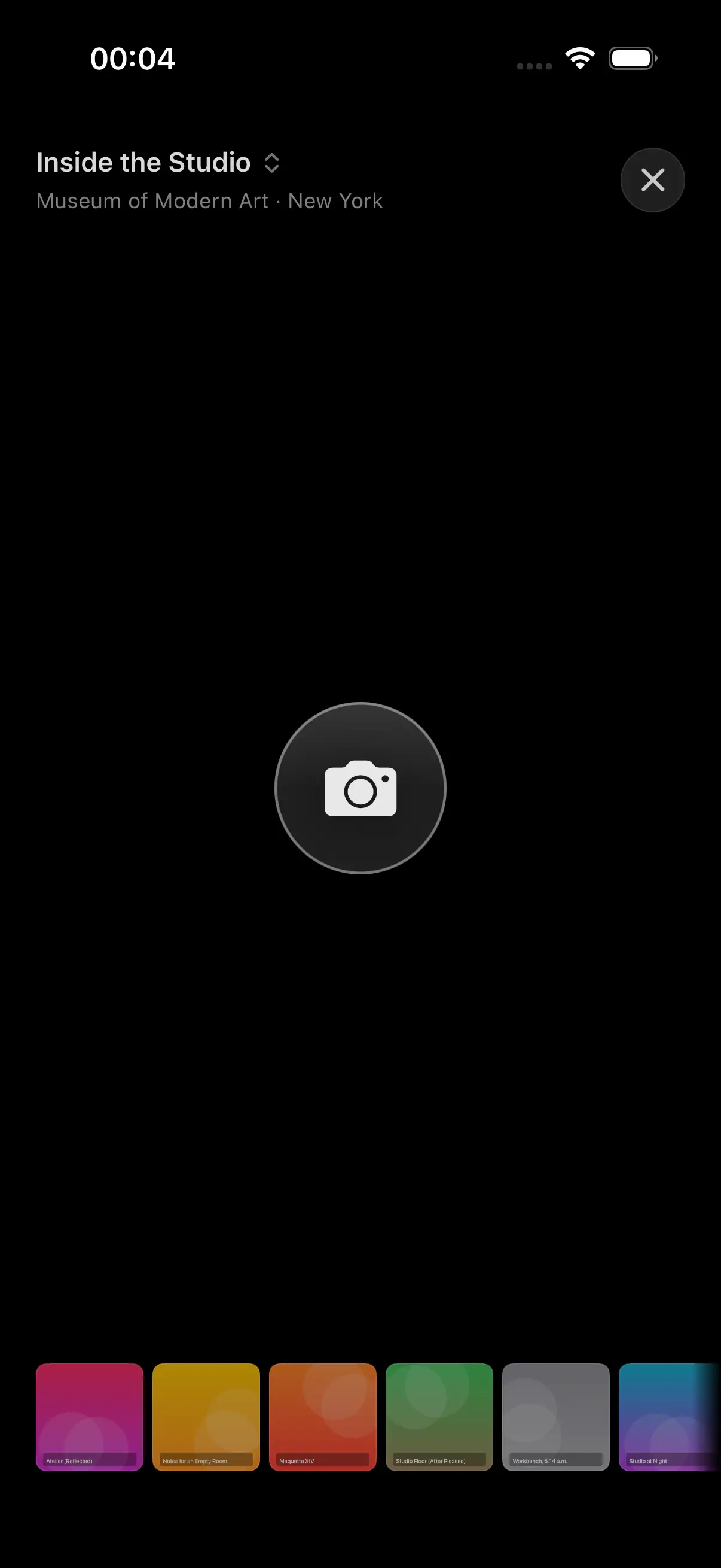
Distraction-free capture.
A dark, camera-first UI with a single capture target. Wall text gets transcribed and matched to checklist thumbnails behind the scenes.
- Black backdrop, single shutter, nothing else.
- Add detail shots, reference photos, and notebook scrawl as you go.
- Built-in photo editing keeps everything in one place.
Three ways to navigate your library.
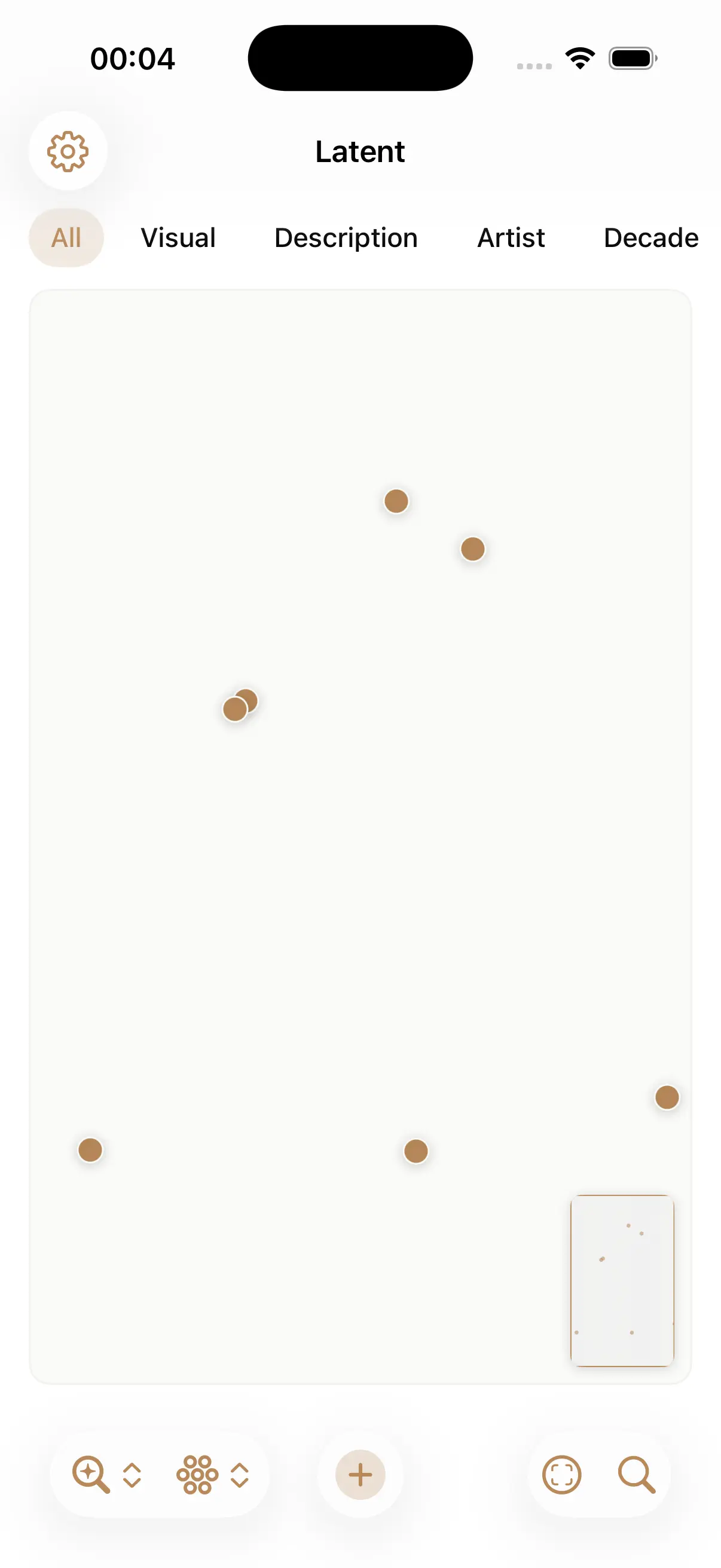
Switch to Explore mode. Browse a global map of every geotagged piece, cross-filter by metadata, or use on-device embeddings to surface visual neighbors you'd forgotten about.
- Map — every geotagged work as a marker.
- Metadata — cross-filter by artist, decade, materials, venue.
- Latent — 2D similarity map.
Cleanup, backup, export.
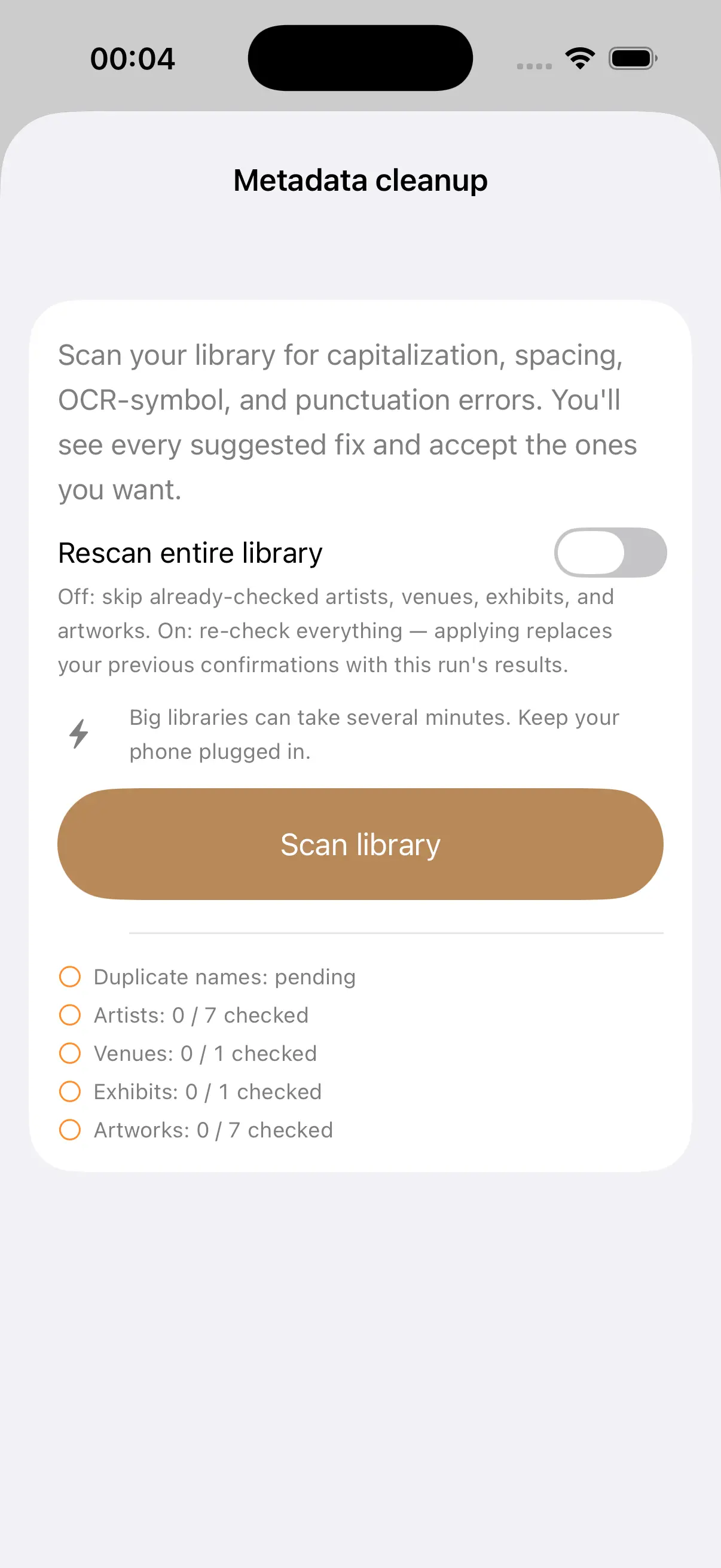
An AI-assisted wizard flags typos, duplicate artist or venue names, and missing fields. Run it whenever you want. Everything runs on-device.
- Five-phase scan: duplicates → artists → venues → exhibits → artworks.
- Optional iCloud backup, opt-in only.
- Export as plain folders, readable outside the app.
Coming soon to iPhone.
Best with Apple Intelligence (iPhone 15 Pro or later, iOS 26+). Older devices can use a free, open-source LLM (Qwen2.5-0.5B) that downloads on first launch and runs privately on device — slightly slower and less effective, but still cuts down manual curation of wall text and checklists.